Instagram video Downloader
Download Instagram Video
Enter the Instagram video link below to download the video in high quality.
Download Instagram Reel
Enter the Instagram reel link below to download Reel in high quality.
Download Instagram Stories
Enter the Instagram Username or Story link to view and download Stories anonymously.
Download Instagram Photo
Paste the Instagram photo link to download in original quality.
Download Instagram Profile Picture
Enter the Instagram Profile URL to download the full-size profile photo.
Download Instagram Highlights
Enter the Instagram Username or Profile URL to browse and download Highlights.
How to Download Instagram Videos
Want to save a funny or cool video from Instagram? It is super easy! Here is a simple 4-step guide to help you download Instagram videos to your device.
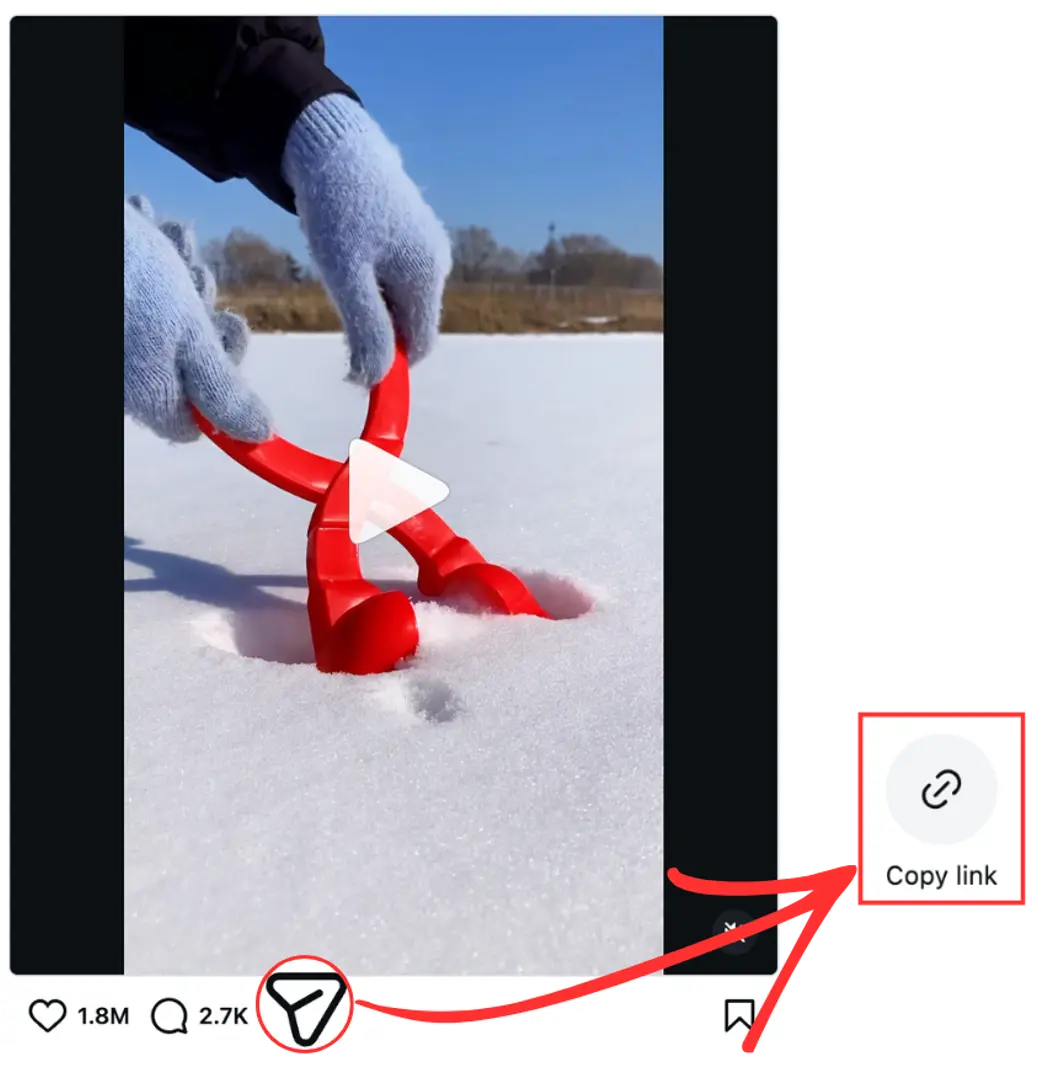
Step 1: Copy the Video Link
First, find the video you want to save on Instagram.
-
Tap the Share icon (it looks like a little paper airplane).
-
Tap the “Copy link” button. Now you have the link ready to use!
Step 2: Pick the “Video” Tab
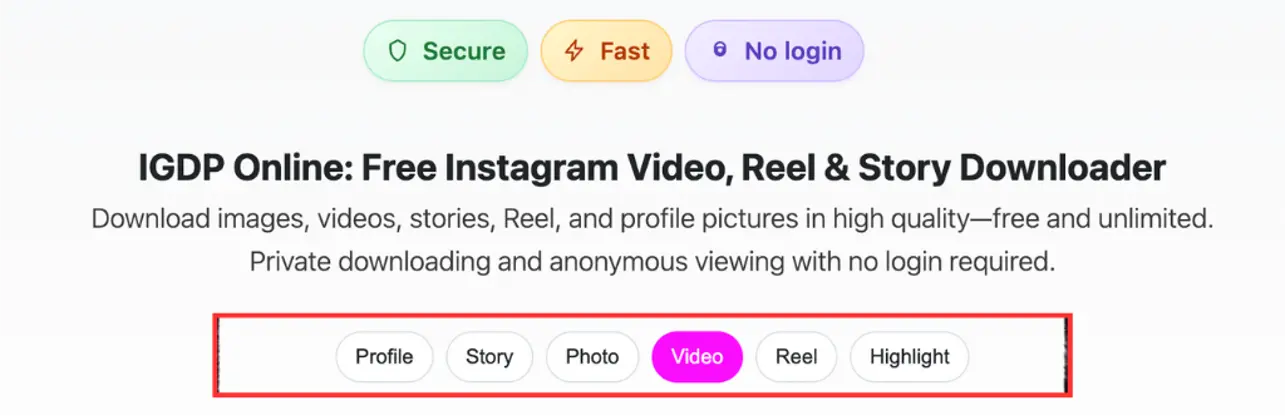
Open your web browser and go to the igdp.online website.
-
Look for the row of buttons and click the pink one that says “Video”. This tells the website you want to download a video!
Step 3: Paste and Search
-
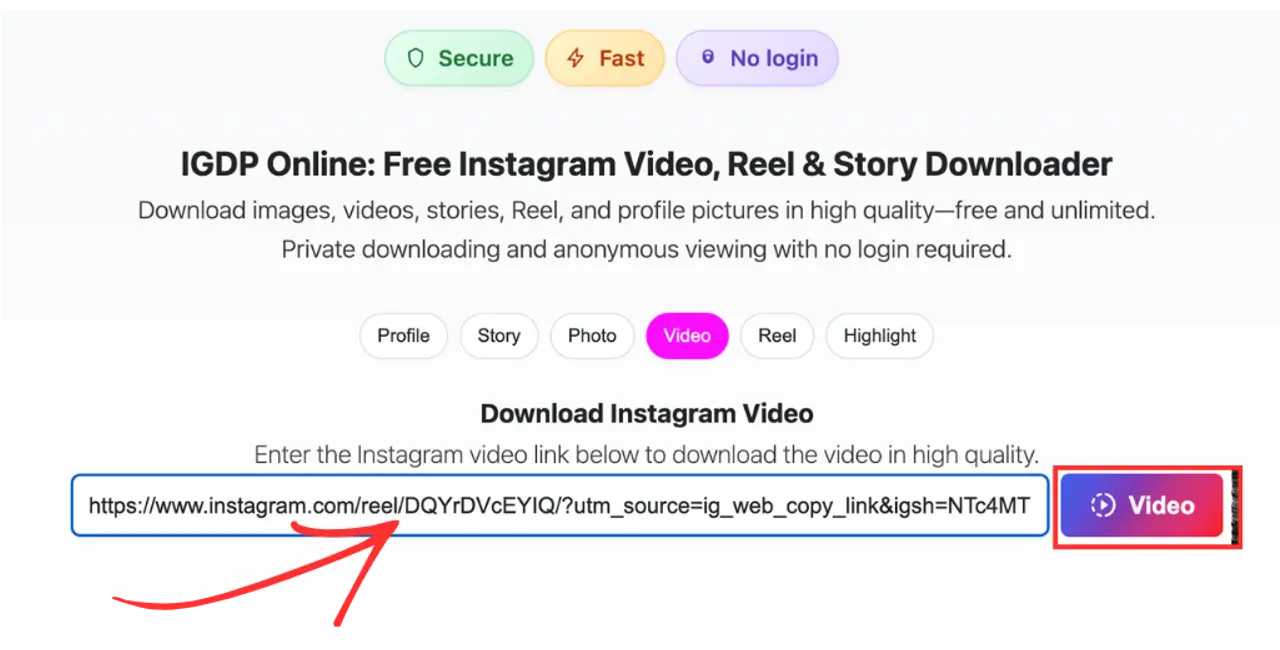
Paste the video link you copied into the long white box.
-
Click the purple button on the right that says “Video”.
Step 4: Download Your Video
Wait a moment for the video to appear.
-
Once you see it, just click the big button that says “Download Video”.
-
Your video will start saving to your phone or computer right away!
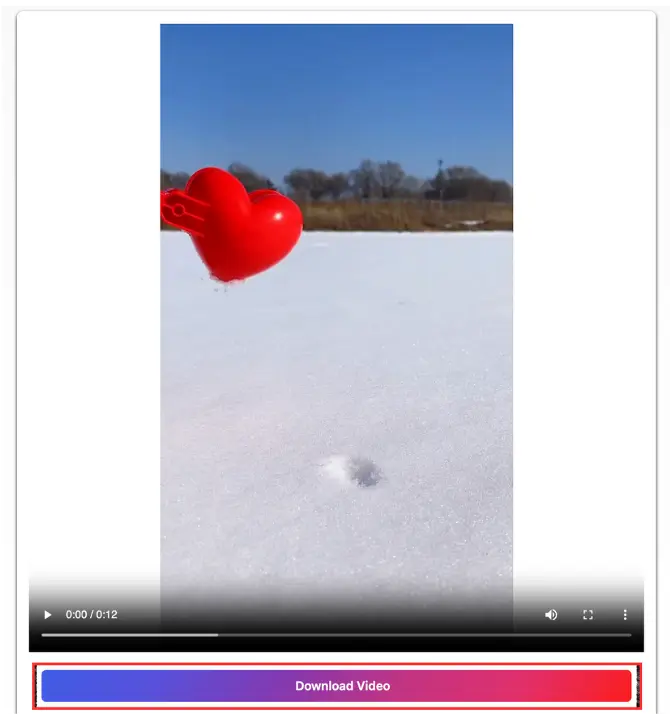
You did it! Now you can watch your favorite video anytime, even without the internet. 🌟